
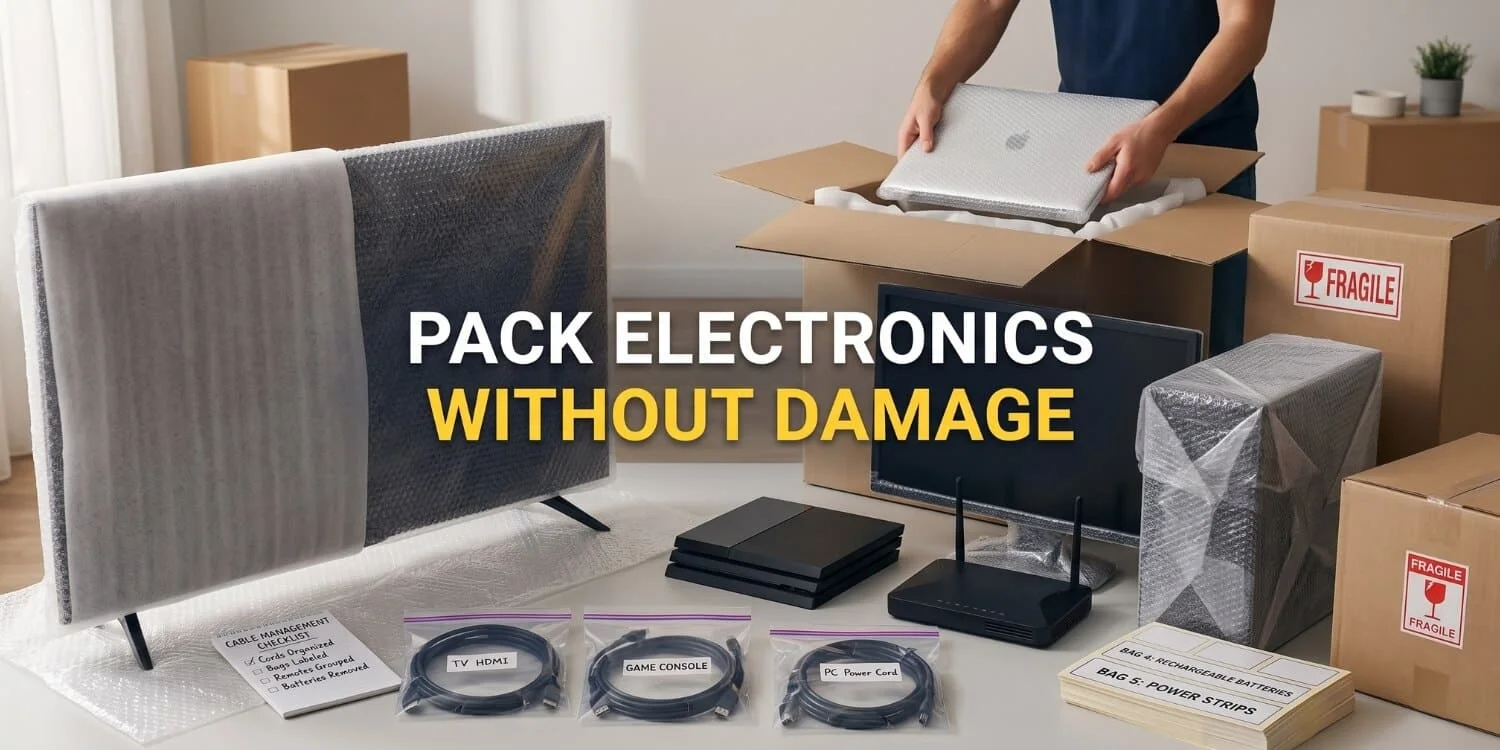
Packing electronics for a move can feel confusing, especially when you have computers, TVs, cables, game systems and other devices to organize. But with a little planning, you can keep everything together and make it easier to set up your electronics in your new home, whether you pack them yourself or hire professional movers.
If you have several devices connected to your TV, such as game systems, streaming devices or video chat equipment, moving them can be tricky. It is easy to misplace an RCA cord, AC adapter or another small cable while packing. Electronics have become smaller and easier to carry over the years, but most homes now have more devices than before. Keeping each device, cable and accessory organized while packing can help make your move smoother and save you from searching for missing parts later.
Getting Your Electronic Items Ready to Move
A little planning before you start packing can make the whole process much easier. Before packing your flat-screen TV, computer or other electronics, take some time to get everything organized.
- Gather All Your User Manuals: Keep the manuals for your electronic devices together. If you don’t have them, you can download them from the manufacturer’s website.
- Insure Your Electronics: Consider getting transit protection coverage or moving insurance to protect your electronics and other belongings during the move.
- Add Tracking to Your Mobile Phones & Electronics: Use tracking apps or tracker chips on your electronics. If your phone, laptop or another device gets misplaced, it will be easier to find.
Packing Your Electronics
You can move all your electronic items safely without damage or problems, even when moving across the country. The key is to prepare and pack each device properly, including removing anything that should not stay inside during the move.
- Take out the batteries from all electronics and remote controls to prevent overheating or leaking. Keep all the batteries together in one safe place.
- Charge all rechargeable batteries a couple of days before moving.
- Remove CDs, DVDs and Blu-rays from your devices and tape the drives closed.
- Take toner cartridges out of laser printers and place them in a sealed, dust-proof plastic bag.
- Remove other printer cartridges from non-laser printers and secure the printhead in place.
Labeling Your Items and Cables
One of the best ways to prepare for a move is to label everything clearly. Unplugging your electronics and labeling each cord and cable may take some time but it will make setting everything up in your new home much easier and quicker. You can use this method for computers, stereo systems, TVs, streaming devices, Blu-ray players and other electronics.
- Get small colored stickers in about eight different colors, slightly larger white stickers and fine-tip pens.
- Before unplugging any cables, such as power, video or audio cables, place a colored sticker on both ends of each cable connected to your devices.
- Place a matching colored sticker next to the cable port on each device.
- Wrap a white sticker around each cable and write the names of the two devices it connects, such as Blu-ray player/cable box.
- If it is a power supply or power cord, place a sticker on it and write the name of the device it powers.
- Unplug the cable, coil it neatly, secure it with an elastic band and place it in a labeled sandwich bag.
- Once you have placed several cables in a bag, attach the bag securely to one of the devices those cables belong to.
You may also want to take photos of the cables before unplugging everything. You can take more photos as you disconnect the cables so you can use them as a reference when reconnecting everything later.
Prepare Your Computer for Moving
You don’t want to lose valuable memories or important documents stored on your computer, so taking a few simple precautions can help minimize any problems.
- Back Up Your Important Information & Data: Before packing your computer, back up all your important information to an external drive or even better, store it in the cloud.
- Make Sure Your Computer Passwords are Hard to Guess: In the unlikely event that your tablet or laptop gets stolen during the move, it’s important to keep your personal data protected. You can use password managers to create random passwords for each website and account. This way, if someone gains access to one account, they won’t be able to use the same password to access everything else.
- Clean & Secure the Inside of Your Computer: If you have a desktop PC, you know how quickly dust can build up inside it. Before packing, use a vacuum cleaner extension to carefully remove the dust. This helps prevent dust from moving around and getting trapped inside the computer during the move. You may also remove any cards from the motherboard if you know how to do it safely. Tighten all screws to make sure everything inside the computer case stays secure.
- Pack Your Computer: Pack your computer the same way you pack your other electronic items but use packing paper instead of packing chips. Packing chips can create static electricity which can damage sensitive computer hardware and may even stop your computer from working. Before packing, remove all dongles, cables and other connected items from the computer.

Packing Tips for Protecting Electronic Devices
Start by reading through your user manual to see if the manufacturer provides any guidance on how to safely pack and move your items.
The best way to move fragile electronics is in the manufacturer’s original packaging. If those boxes became kids’ forts, a play area for your cat or simply ended up in the recycling bin, don’t worry—you can contact the manufacturer to see if they can send you an original box. If that doesn’t work, you’ll just need to take extra care when packing your electronics. If you need to use your own packing materials, follow these tips:
- Cushion the top and bottom of the box with towels or bubble wrap and pack everything inside securely so it doesn’t move. Fill any empty spaces with bubble wrap or other packing materials.
- Wrap large items in bubble wrap. If the item has a screen, protect it with a towel and add another layer of bubble wrap. Place cardboard around the item, then cover everything with plastic sheeting or plastic wrap.
- Never use newspaper to pack screens. Newsprint can transfer onto the screen and the newspaper can easily scratch it.
Make a list of the items in each box and cross-reference it with your home inventory to make sure you have everything. Then, mark any boxes as “fragile” and carefully supervise them while they’re being moved.
Reinstalling Your Electronics in Your New Home
Be Careful Unpacking
Unpack the boxes in the rooms where you plan to set up your electronic devices. As you unpack, carefully check all the packing materials for small items like cables or screws. If you made an inventory of your boxes, use it to make sure everything you expect is there.
Don’t throw away any packing materials until everything is properly set up and working. It’s easy to accidentally throw away a small item, such as a computer mouse.
One of the hardest parts of unpacking and setting up electronics is making sure everything is connected correctly and works properly. Here are my recommendations to make the process as simple as possible.
- Unpack one electronic item at a time, starting with the one that has the most cable connections, likely your TV or computer.
- Unpack the cables that belong to that device. Don’t unpack any other cables yet.
- Set up the item and plug in the cables. Use the colored dots, labels and any photos as a guide.
- Once the item is set up, test it to make sure it works properly.
- After that is complete, unpack the next item, plug in its cables, test it and make sure the two connected items work properly together.
This is the best approach because you’re testing everything as you go. If you run into any problems, you’ll know they’re likely related to the item you just plugged in which makes troubleshooting much easier.
Extend and Protect
Now is a great time to buy any new extension cords or power strips you may need. If you’re plugging in a computer or other sensitive electronic equipment, consider getting a surge-protected power strip. This will protect your electronic equipment from sudden power spikes and help it last longer.
Setting Up Electronic Items
Once you’ve tested everything and it’s all working properly, secure your cables together with zip ties. This will keep everything tidy and stop your cables from looking like a spaghetti monster.
Now it’s time to kick back, relax and binge-watch your favorite shows!


